One page for your available workspaces
Create a professional page for your salon with your available chairs, stations, and rooms — with photos, prices, and availability. Share it on your socials, your website, or with a QR code.
Free • No subscription • Online in minutes

Your salon page
You get your own public page for your salon. It shows your available workspaces with everything an interested professional wants to know, in one place instead of scattered across posts and messages.
- Your own shop profile
- Available workspaces
- Photos per workspace
- Prices per day, week, or month
- Availability
- A way to get in touch
- Your own shareable link
- Your own QR code
How it works
Share your workspaces where your clients already find you
Your availability no longer has to live across posts, stories, and DMs. One page you share everywhere, so people see what's open and at what price at a glance.
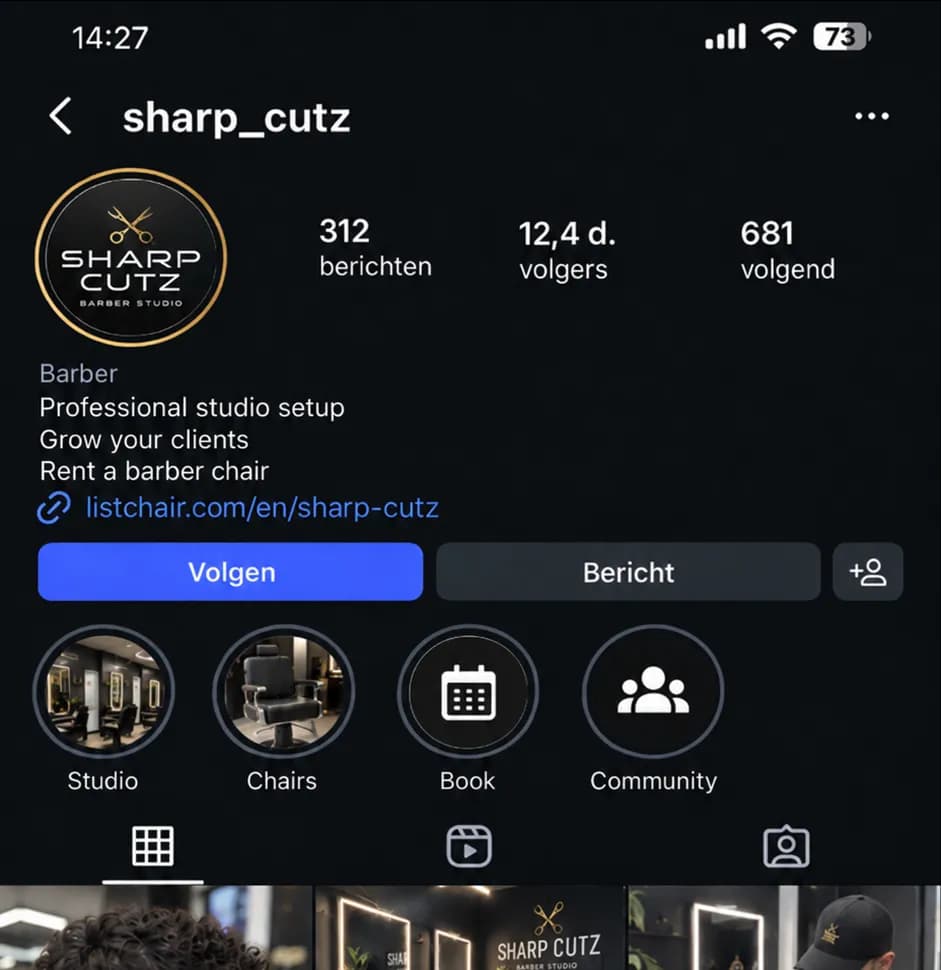
- Instagram or TikTok bio
- Your own website
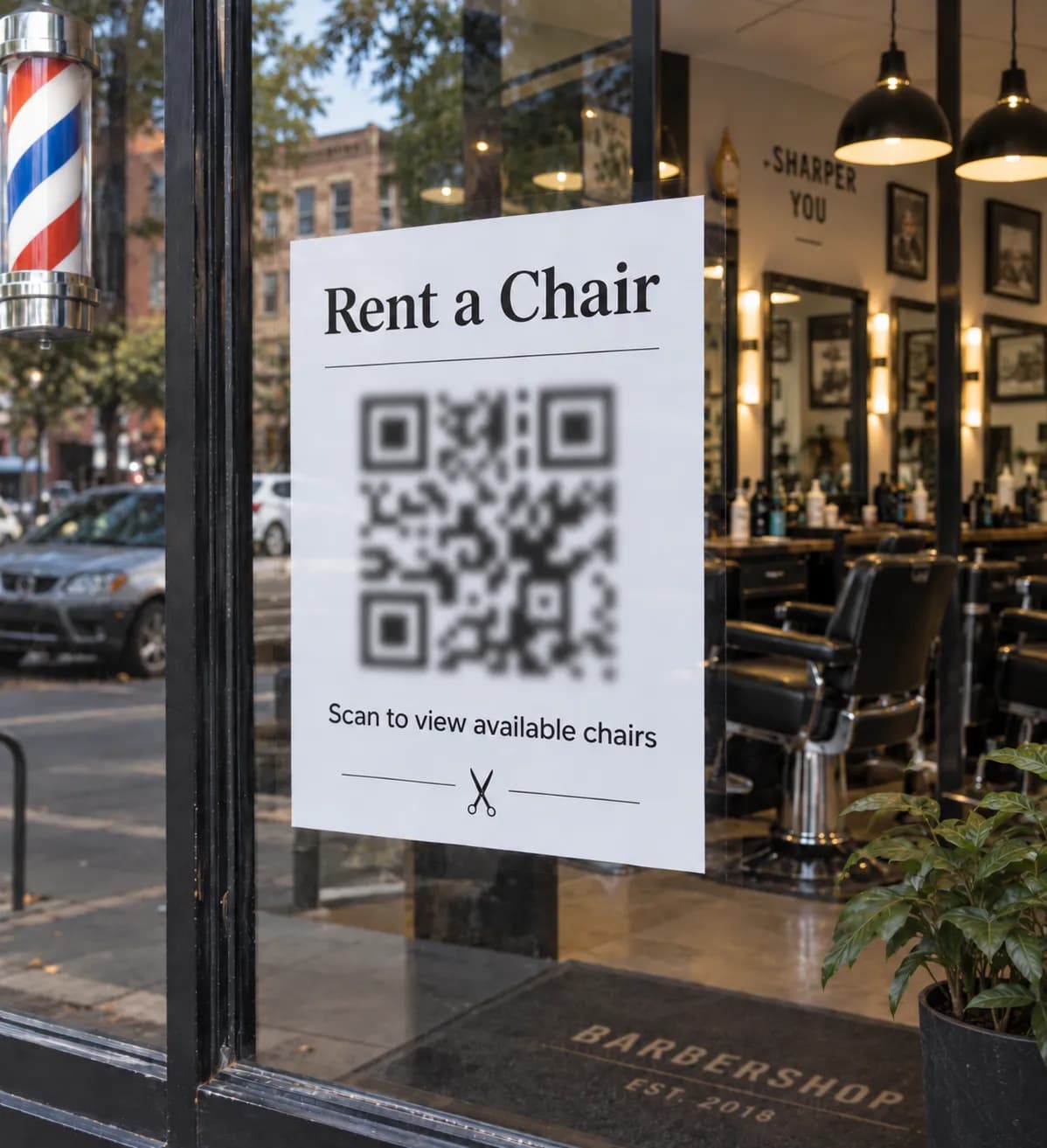
- QR code on the mirror
- QR code in the window
- Flyer or business card
Ready to share in a few minutes
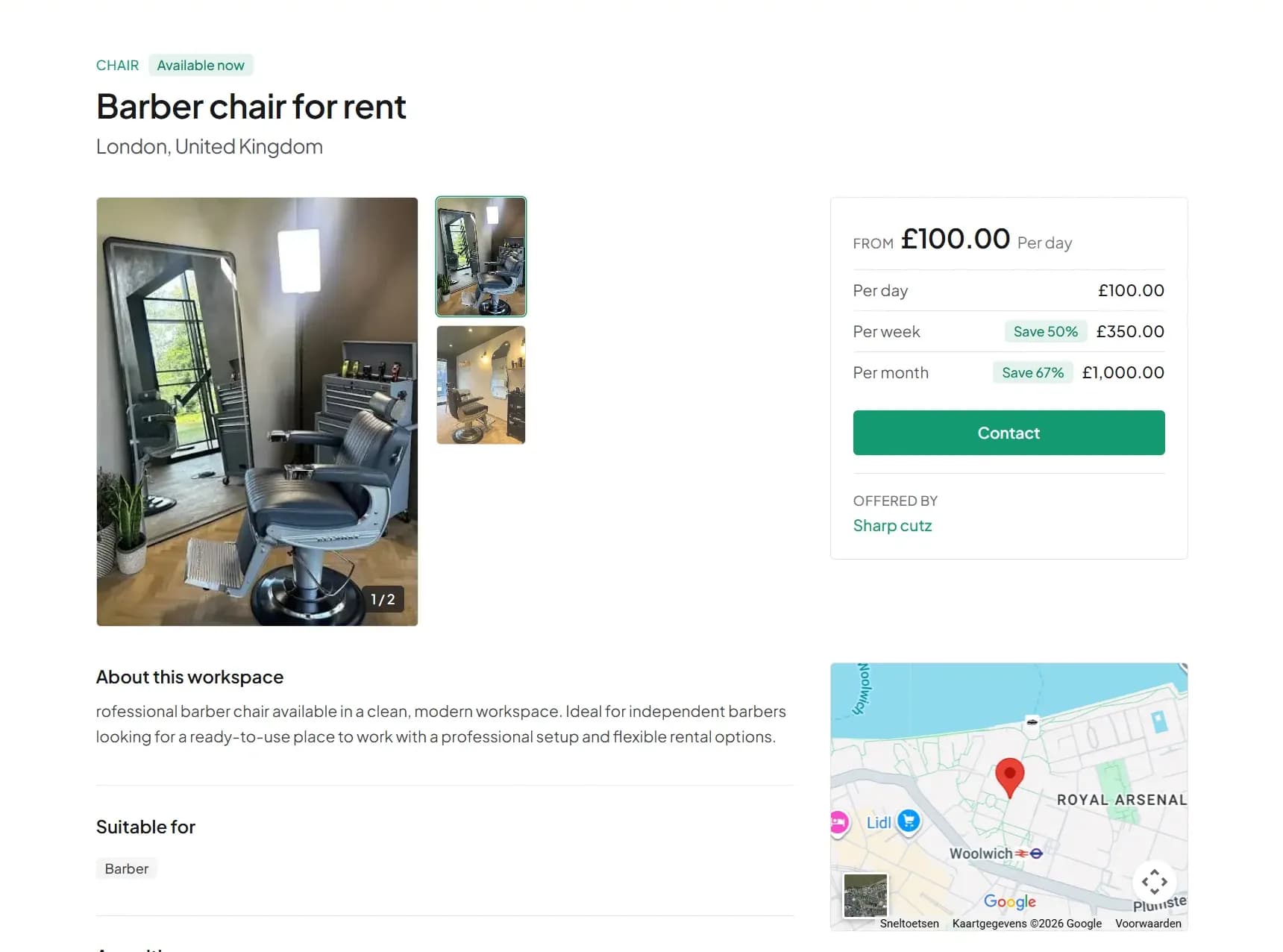
- Photos
- Location
- Price per day, week, or month
- Availability
- Workspace type
- Amenities
- About the salon
- Contact button
Frequently asked questions
What is ListChair, exactly?
ListChair lets you create your own rental page for your salon. It shows your available workspaces — chairs, stations, or rooms — with photos, prices, and availability. You get one link and a QR code to share that page anywhere.
Is ListChair free?
Yes. Creating your page, listing workspaces, and sharing your link and QR code is completely free right now. There's no subscription and no listing fee.
Do I get a QR code?
Yes. Your page comes with a QR code you can print and display — for example on your window, mirror, or front desk. Anyone who scans it lands straight on your page.
What can I offer?
Workspaces you rent out: barber chairs, styling stations, nail stations, treatment and massage rooms, or a private salon suite. If your setup fits none of the categories, choose "other" and describe it yourself.
Can I list multiple workspaces?
Yes. You can add several workspaces to your page, and even manage multiple locations. Visitors can then filter by location.
Can I set different prices?
Yes. For each workspace you set a price per day, week, or month. You choose which periods to offer.
How does someone contact me?
Every workspace has a contact form. An interested person fills in their name, email, and a message; it arrives in your inbox on ListChair. You stay in control of what happens next.